


This is a guide for Customers joining the RANGGO App. Employees can also use this guide to quickly create a RANGGO Account. Especially if the business they work for has not got a RANGGO Business Account yet.
First find the RANGGO App on the App Store or Play Store
1. Before downloading the App, go to the three dots in the top right and select ‘Automatic Updates’. This will ensure your App updates any new features and functions automatically.
2. Now download the RANGGO App to your phone or tablet. When the download completes click “Open”.
3. If you have a referral code from a friend who has the App you can add this on the first screen. Otherwise click “skip”.
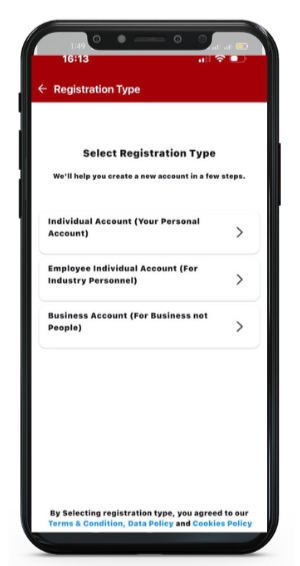
4. On the “Select Registration Type” screen, select Individual Account (Your Personal Account)
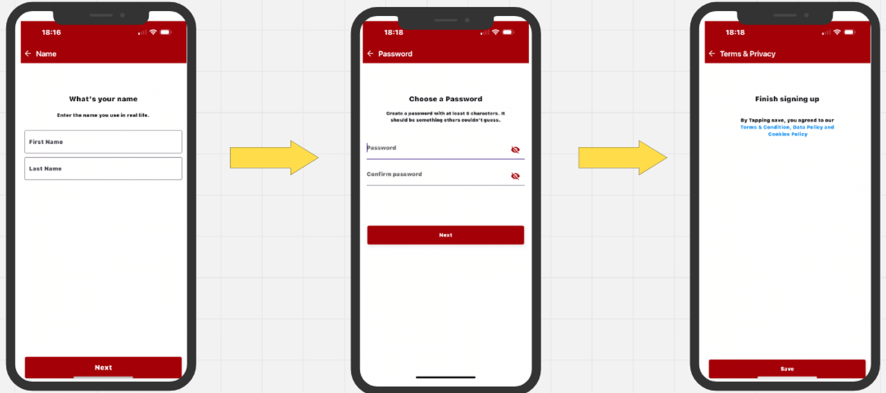
5. Enter your First Name and Surname/Family Name.
6. Next Add Your Email Address, Then choose a Password and click Next. The final screen asks you to Save the information.
Congratulations you have created your account!
Now, you can update your profile.
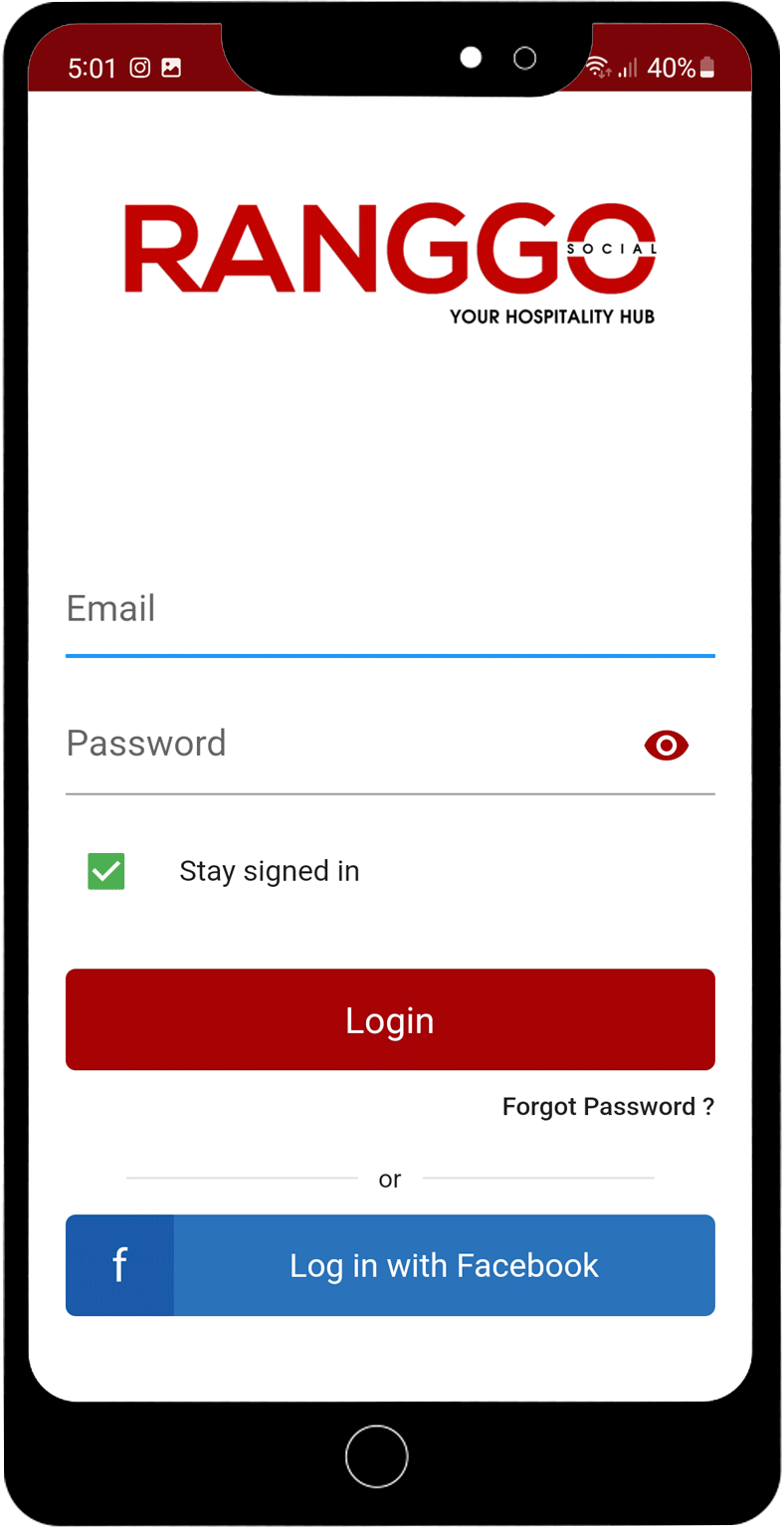
You will be asked to sign-in to your account with your new password.
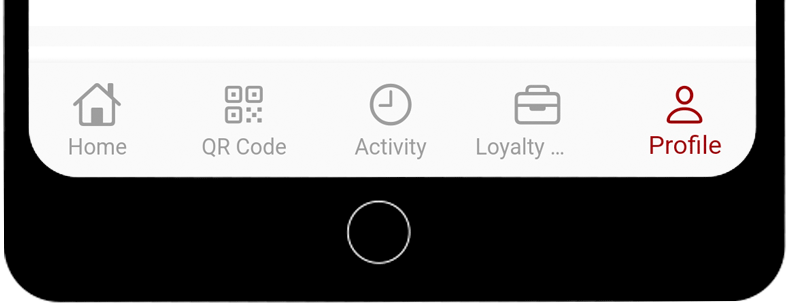
You should be taken straight to the Profile section to complete it. But if you aren’t you can select it from the row of icons on the bottom of your screen.
You can add your birthdate using the scrolling calendar feature. In the future your favorite businesses may want to send you a special, personalized deal during your birthday month.
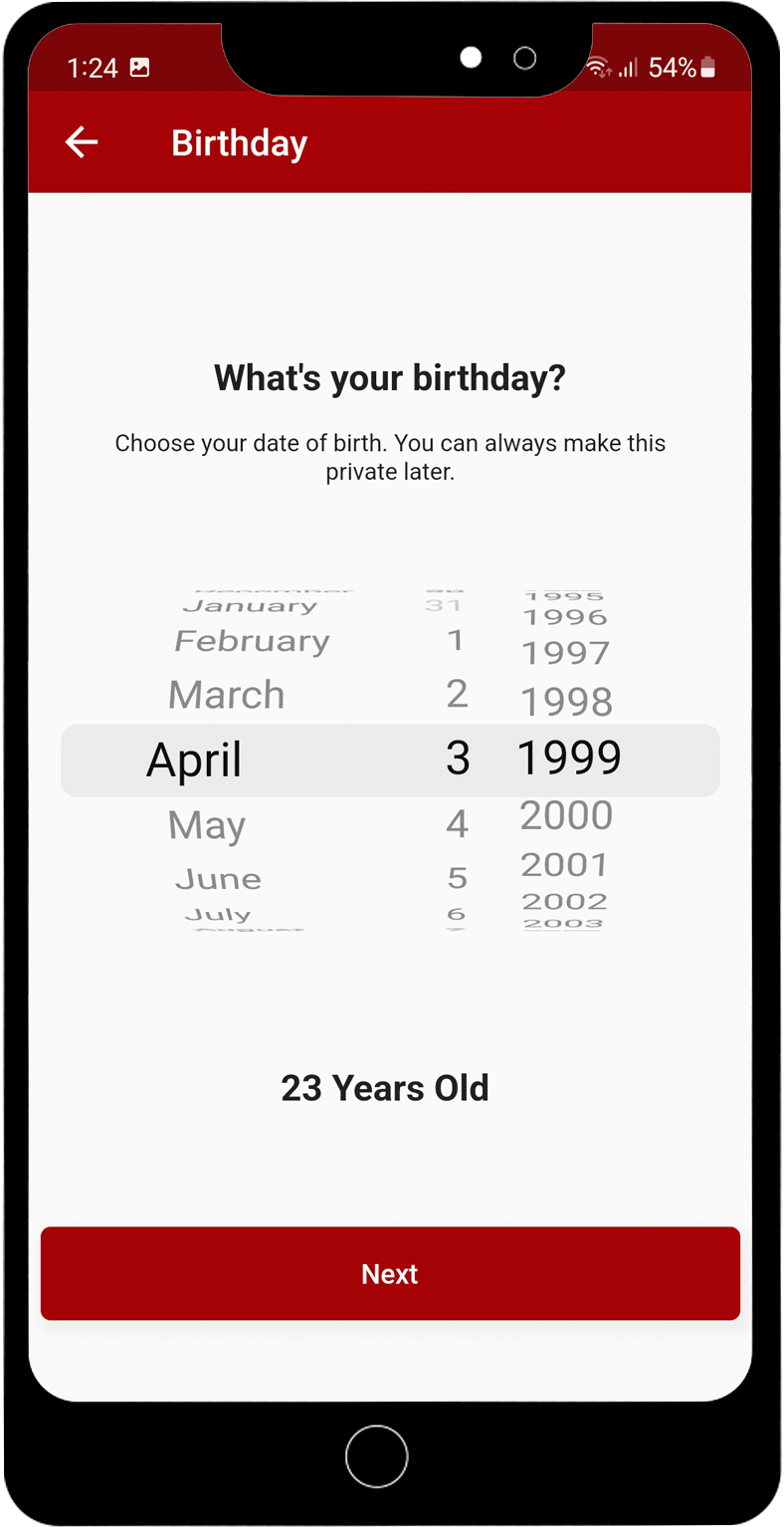
Next select your Gender. It is important that you make sure you select the correct gender because this is can not be edited later in your profile.
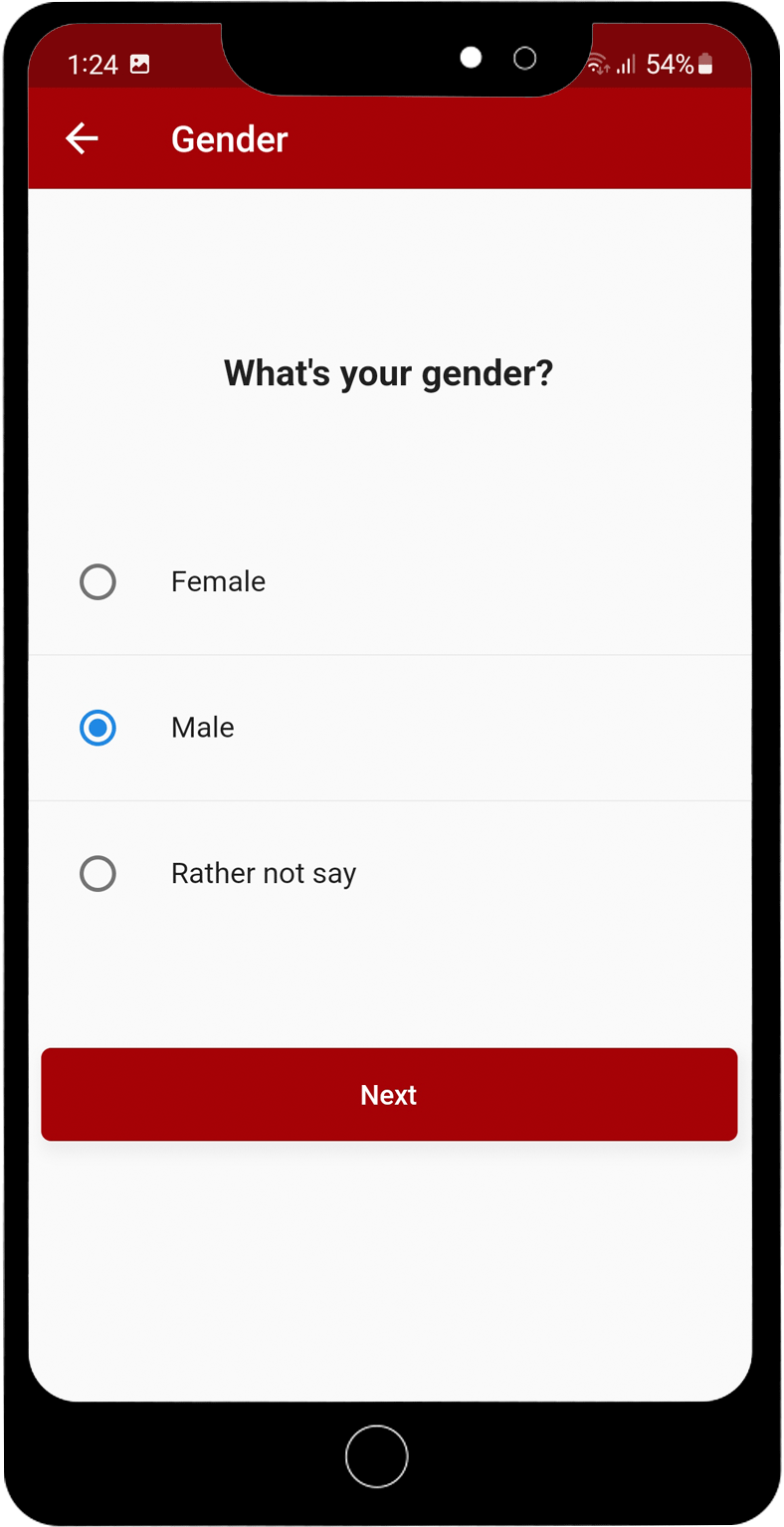
Next add your Address. You can just add your country and your region. There is also the option to add your full address, if you want to.
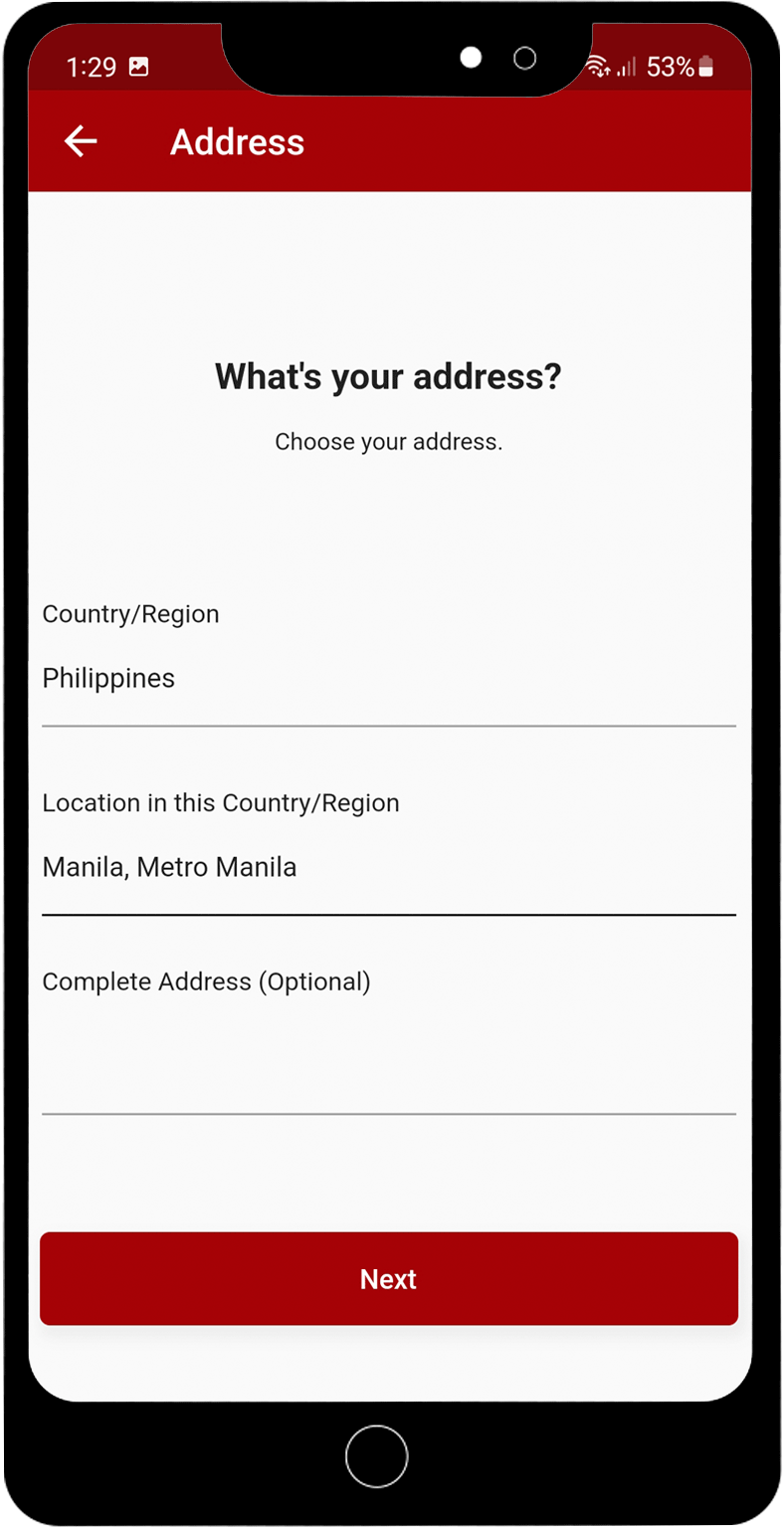
You can add a Cover Image and a Profile Image. Just click on the pencil icon and upload your photos – just like you do for Facebook and Instagram.
You do not have to complete your profile but it will help the businesses that you like and follow to personalize RANGGO Deals and Offers to you!
You can check our article for how to search for, save and claim RANGGO Deals here.
You can also check our article for how to leave feedback for the people who served or waited on you, and the Business.
Reviews and feedback help businesses and employees to improve customer service, skills and identify training needs.