


One of the features of the RANGGO App is RANGGO Rank. This is where customers, guests and subscribers can review our Business Partners and their employees.
This article covers how to use RANGGO Rank when using the App, and when you don’t have the App or are offline.
Why is RANGGO Rank Important?
Leaving reviews for businesses & employees can help:-
- Business Discoverability and Visibility
- Other customers decide to try a new place, hotel or service
- Showcase the ‘not to be missed’ – (dishes, drinks, special nights, facilities, experiences)
While you may have only downloaded RANGGO to avail of the Loyalty Deals and discounts, there is another aim for the App and that is to help improve and elevate Service Standards and Customer Care across the Hospitality, Tourism and Services Industry.
A drop in service standards – or a perceived drop – isn’t unique to the Philippines. It is a concern that has been discussed world-wide since the pandemic lock-downs were lifted.
Many experienced upper and mid-level employees left the industry entirely during the pandemic, and the industry continues to struggle with a staffing shortage. Many new employees enter the industry young, inexperienced, or under-skilled.
…. the hospitality industry has bounced back to the pre-pandemic level in terms of demand but has yet to recruit as many employees as before the pandemic. Abhijeet R. Shirsat & Jamie Hoffman
This is where genuine and helpful Reviews and Feedback comes in to play!
Positive (and constructive/negative) feedback can help businesses to see what they are getting right – where customer care and attention can be improved, and where further training and upskilling is needed.
It can also help them to showcase examples of great customer care to their team, and work with them to implement it as a standard.
And as a Thank You – every time you leave a review you will get points which can be used to access Premium RANGGO Loyalty Deals (You can also get points for watching Ads and Videos, or by completing your own RANGGO Profile).
How Do I RANGGO Rank A Business or Employee On The App?
We’ve created a quick and easy way to leave feedback for both businesses and employees.
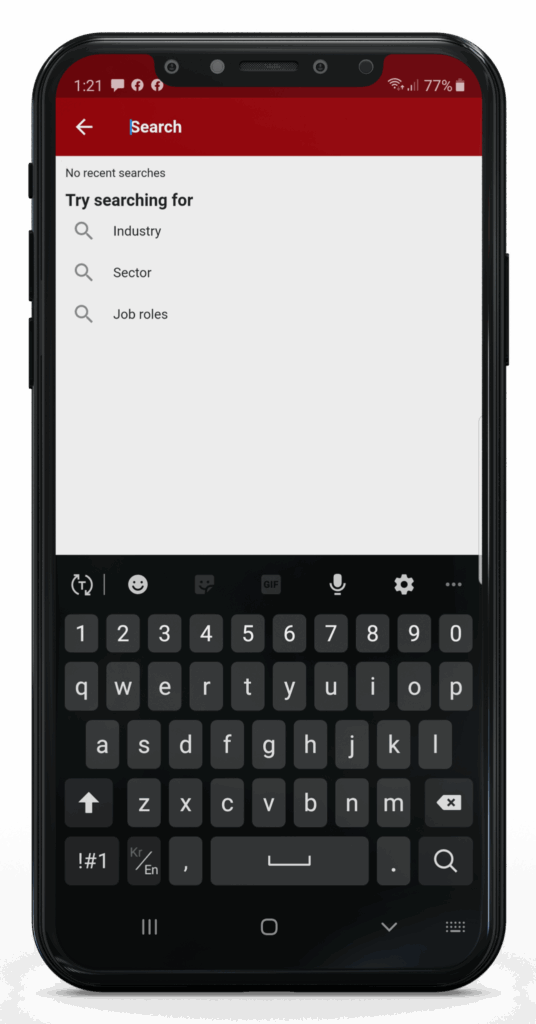
You can either find them by name using the search icon on the Home Page.
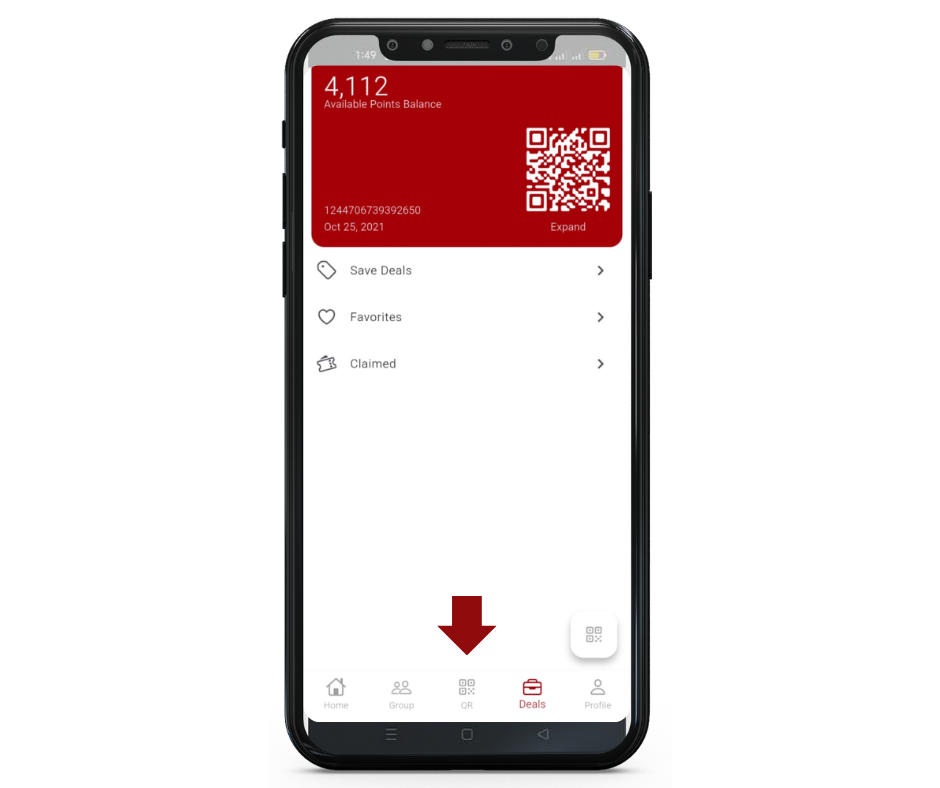
Or you can scan the business or employee’s RANGGO QR Code, and scan it using the QR icon at the bottom of the App Page on your phone.
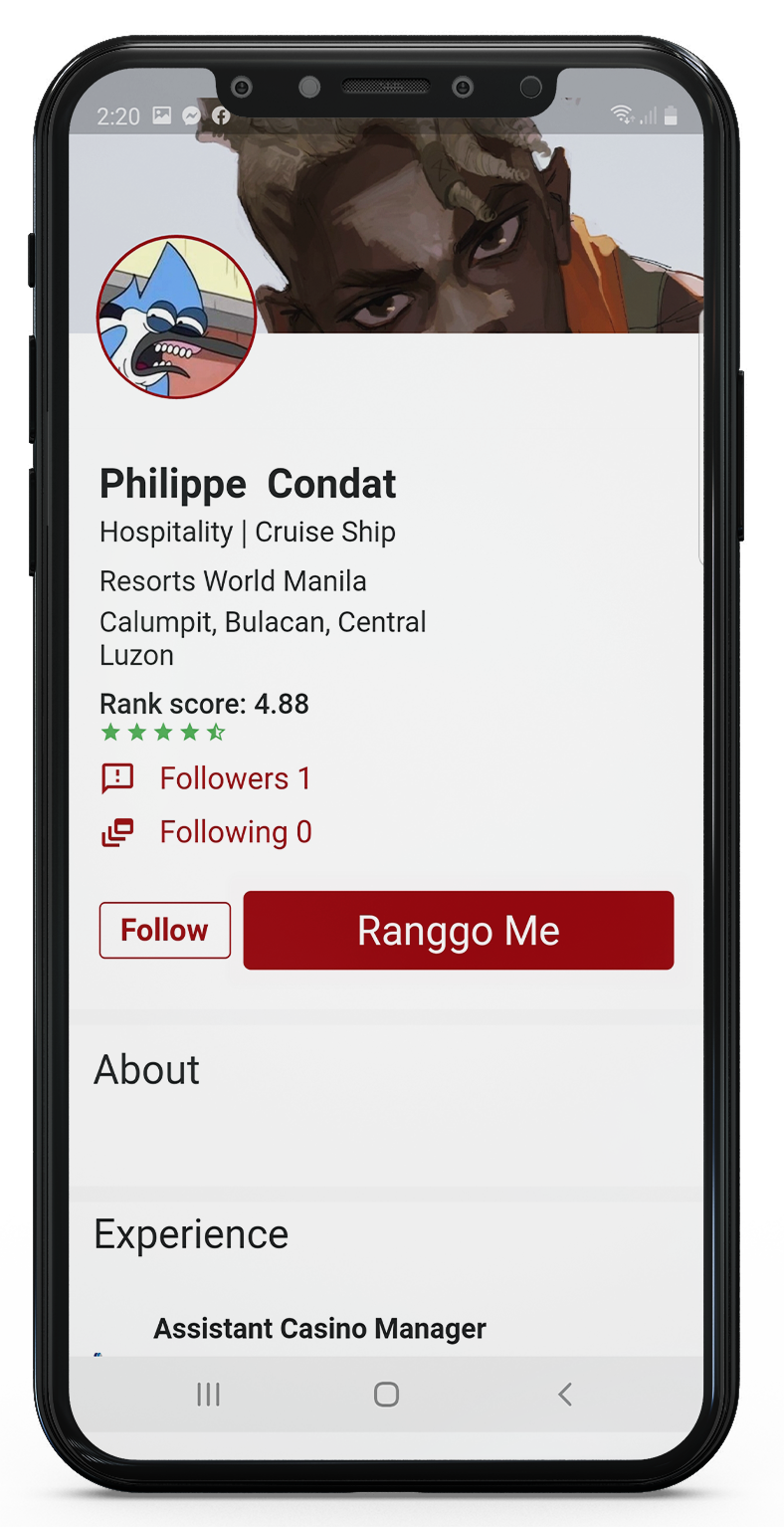
Next click the red button “Ranggo me” (the image below is of an employee account)
When Ranking a Business – You can award 1-5 Stars and leave a comment.
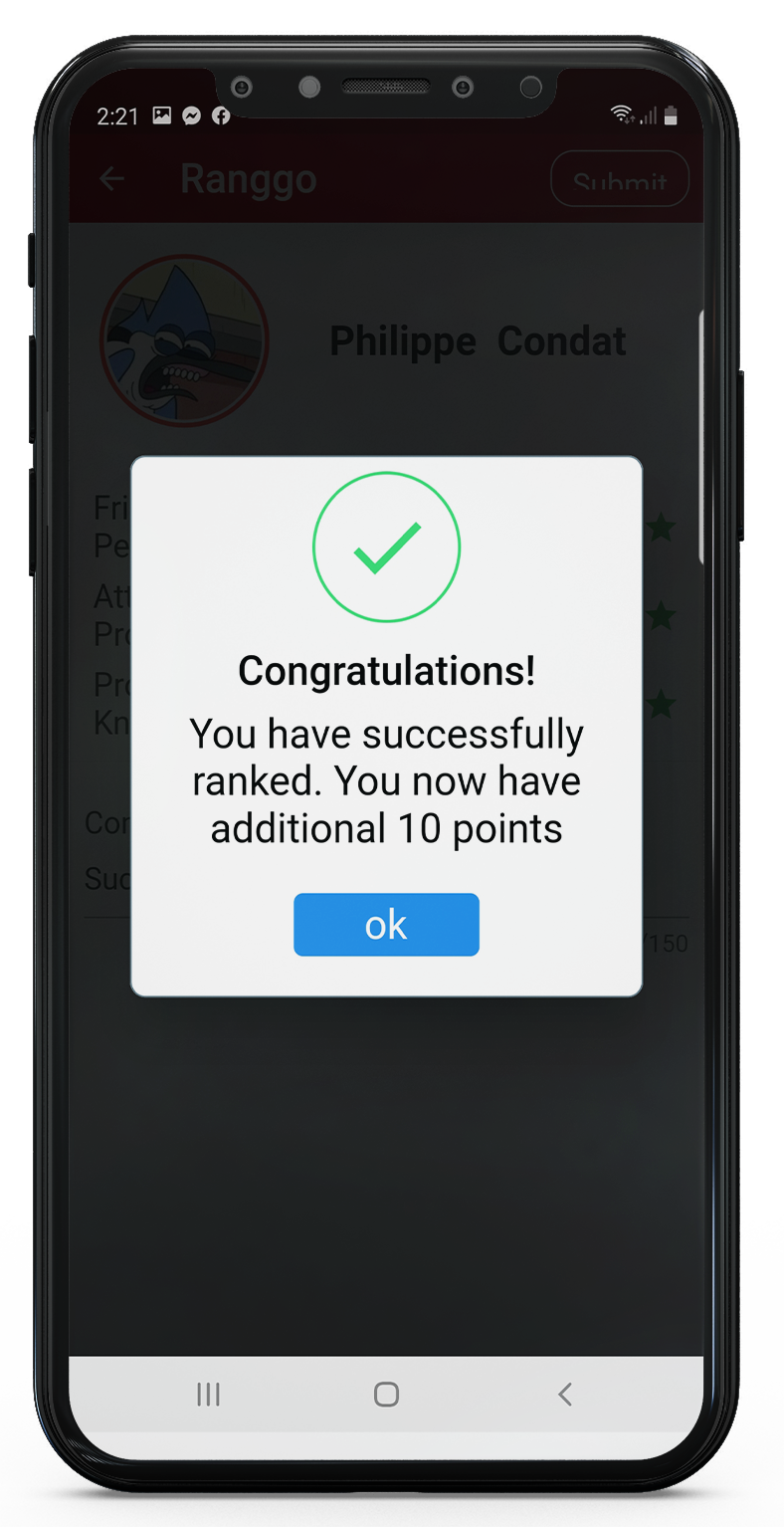
When Ranking a person – there are three RANGGO RANK categories, each with 1-5 Stars to award. There is also space to write something about the person or the service they provided.
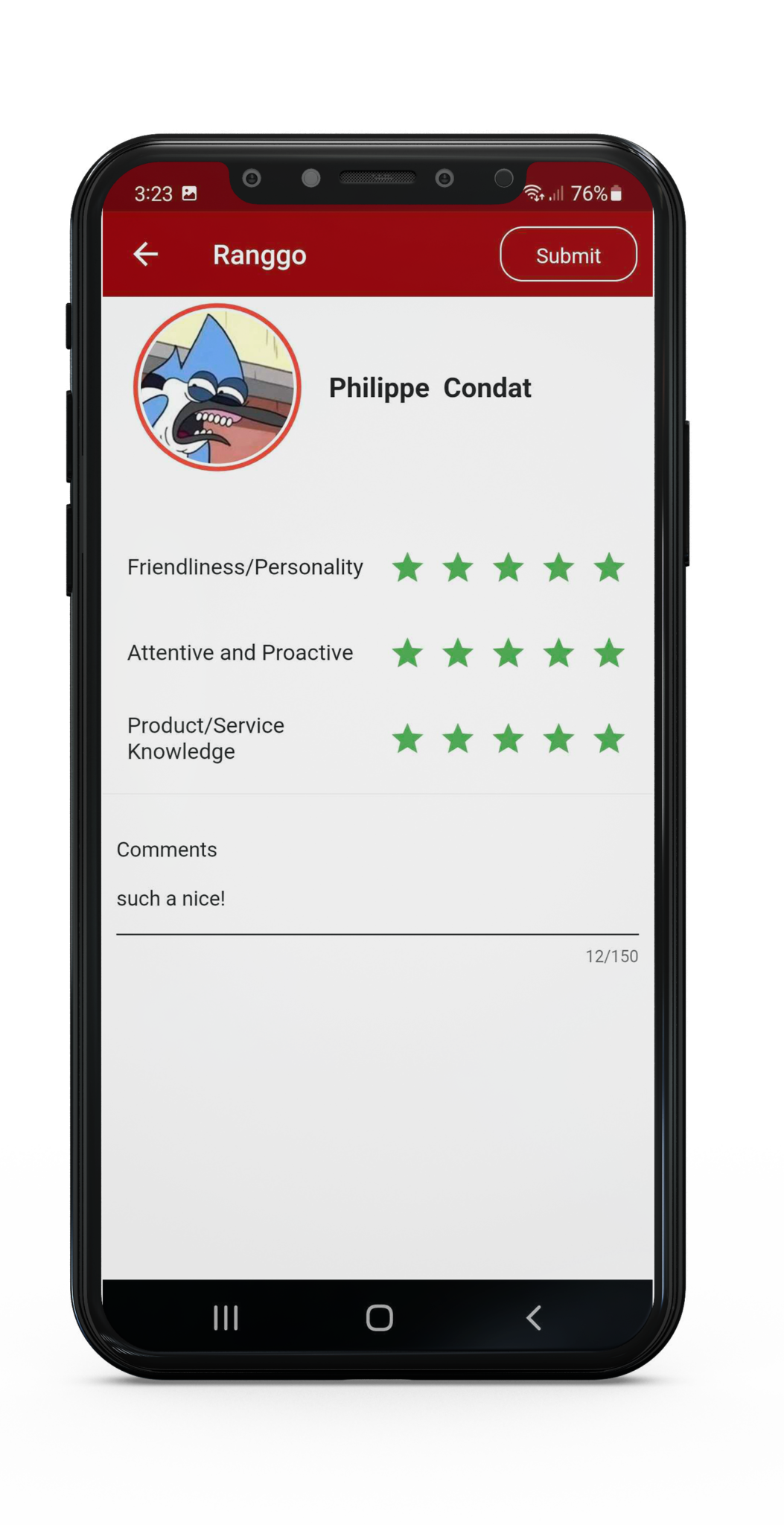
Once you have completed your ranking, select Submit. You can find this at the top of the screen. You will receive a Notification that you have been awarded 10 points.
How Do I RANGGO Rank A Business When Off The App?
If you are offline or do not have the RANGGO App yet, you can still RANGGO Rank the Business but you can not review an employee.
Scan the Offline QR code of the business, and click to open the link.

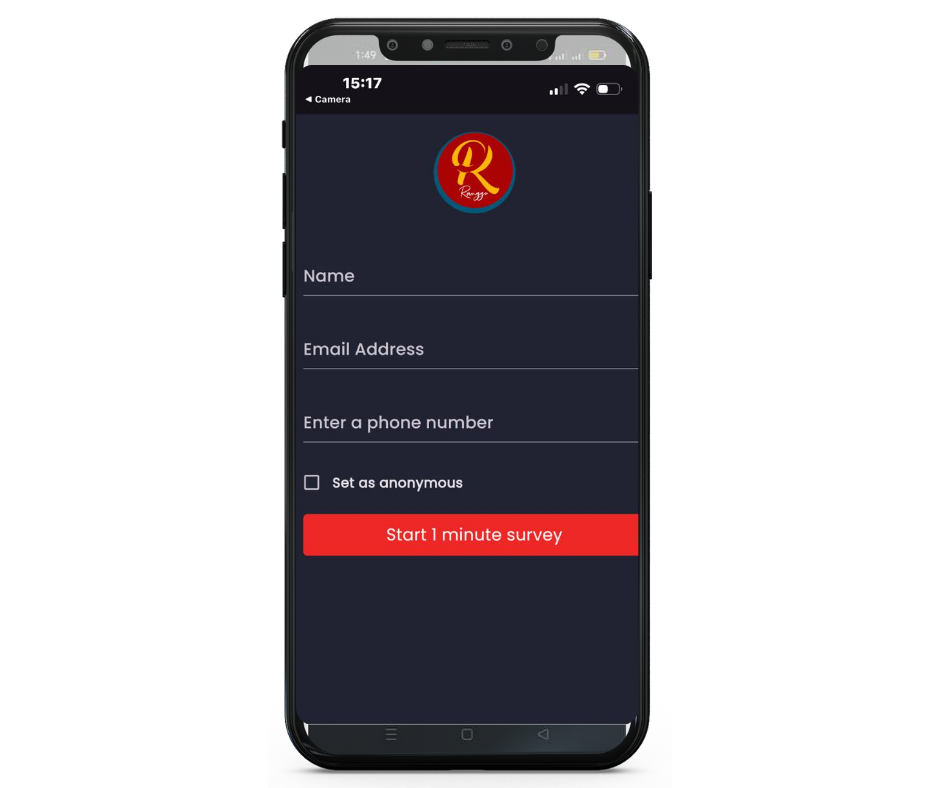
The offline Feedback screen will open.
Type in your name, email and cellphone number. You can choose to leave feedback anonymously, just tick the box before clicking on “Start 1 Minute Survey”
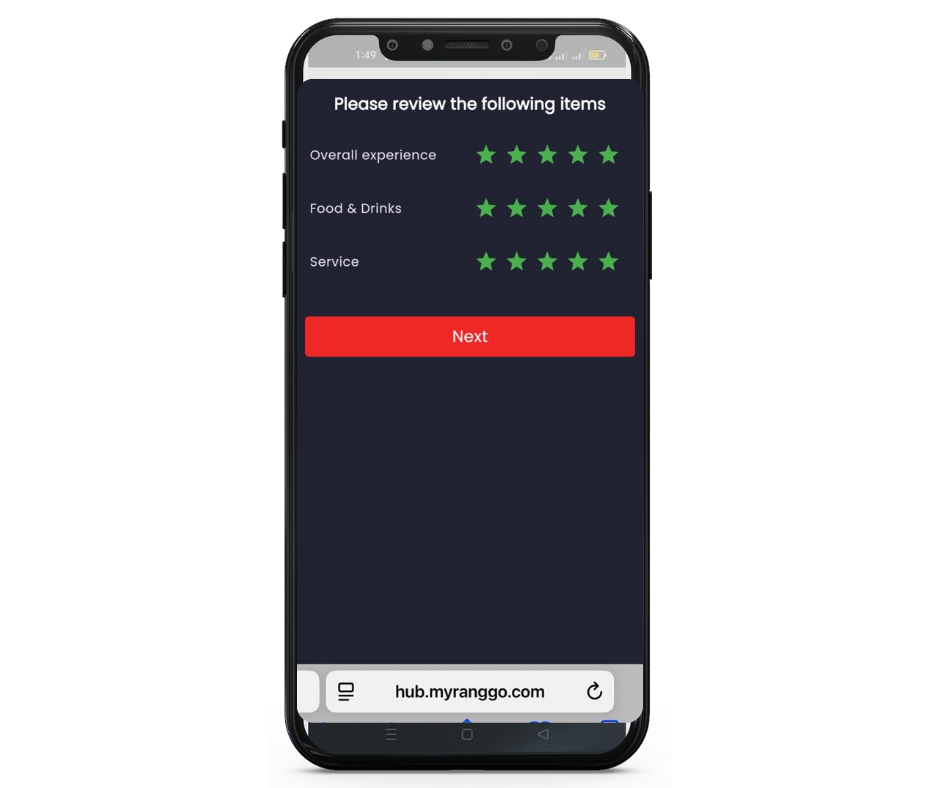
You can leave 1-5 stars across three categories, then click Next.
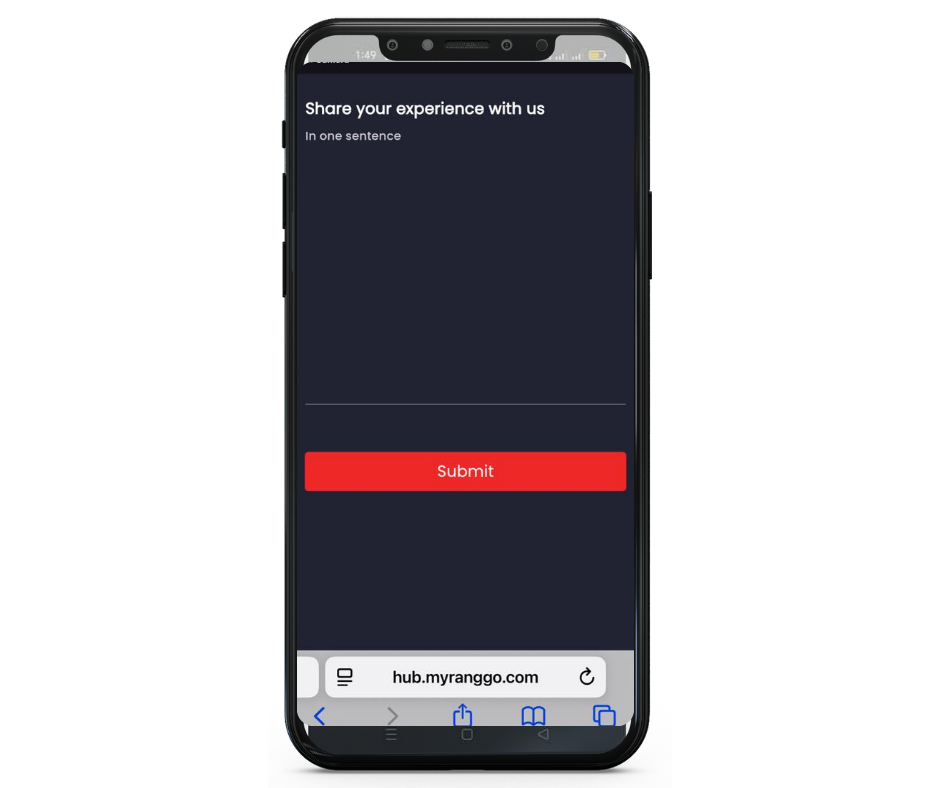
On the next page you can leave a written review or comment, then click Submit.
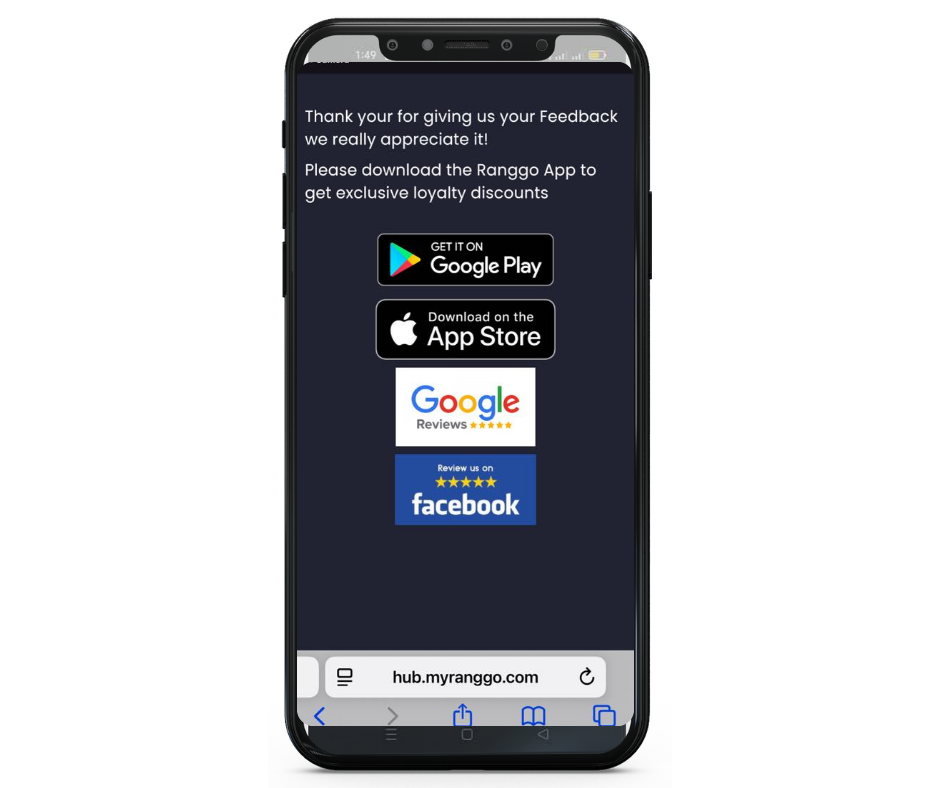
On the Thank You screen, you can click to download the RANGGO App.
You can also click through to leave a Review on their Google Review and Facebook page.
Do you work in hospitality, tourism or services? You can join as an employee subscriber – check out the full range of features of the RANGGO App here